
In 2026, online logo makers have changed the way businesses build their visual identity. There’s no longer a need to hire a professional designer or learn complex software. You type a few words, and after a few seconds, you have a selection of logo templates ready to choose from.
However, not all tools work the same way: some use AI to generate concepts from a simple prompt, while other logo makers require a mandatory questionnaire to understand your actual needs. Some logo makers let you edit with a chat interface, while others require manual work.
We tested five online logo design tools to show you how each one works, how much the minimal commitment costs, and what real users say about them.
Top Online Logo Makers in 2026
|
Platform |
Speed |
Starting Price |
Trustpilot |
|
Design.com |
AI prompt-based, instant |
From $3/mo |
4.7 ⭐ |
|
BrandCrowd |
AI template-based, fast |
From $3/mo |
4.8 ⭐ |
|
Logo.com |
Guided questionnaire |
From $3.6/mo |
4.6 ⭐ |
|
Logopony |
One-step guided |
Paid plans only |
3.1 ⭐ |
|
Brandmark.io |
Guided, three questions |
From $35 one-time |
2.6 ⭐ |
Design.com
Design.com is a comprehensive, all-in-one logo maker with an intuitive interface and exclusive logo templates. Users do not get extra guidance questions, and the generated concepts are unique and free for commercial use.
How it works
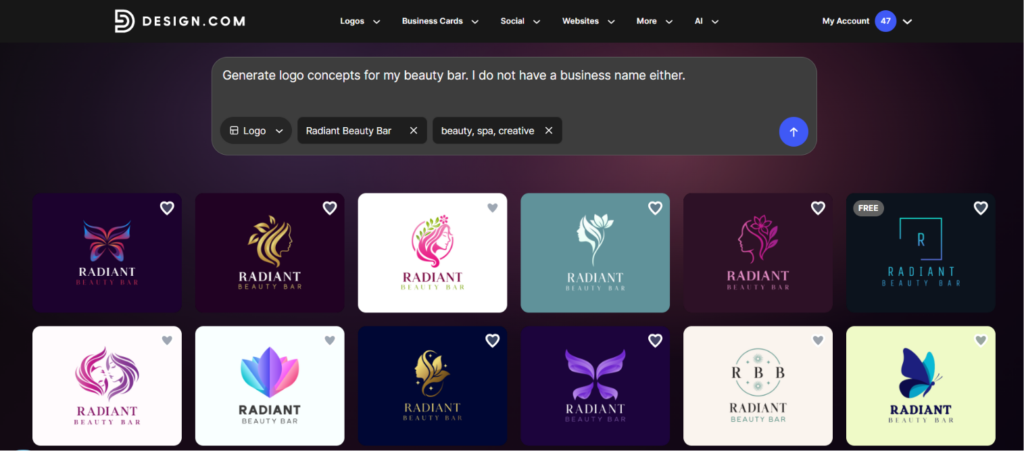
After opening Design.com and typing the prompt, thousands of logo concepts appear instantly. There’s no dropdown menu to work through first; you can specify the design type directly in the prompt.
For our test, we started with the following prompt: “Generate logo concepts for my beauty bar. I do not have a business name either”. To ensure the AI understands our prompt, we did not provide any business name; instead, we relied on the built-in AI bar to do the work for us.
Well, we were not disappointed at all. Not only did we get over 15,000 logo templates per prompt, but we also got a brand name for further use.
The process was basically one to two steps. No questions about colors or industry. We only inserted the brand name and optional keywords.
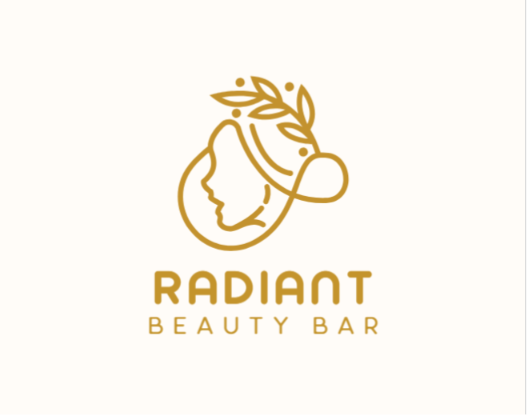
After picking concepts, a chat-based AI editor let us describe changes: background color, fonts, and more. We wanted to modify the background color of the following logo template:
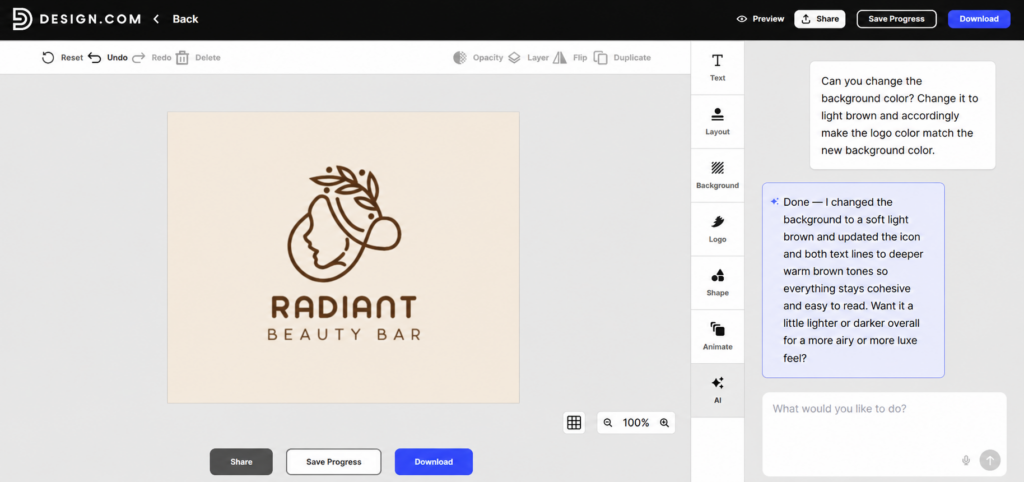
The platform allowed unlimited edits for an unlimited amount of time at no cost, and we could even save progress and return to our result later.
Since we picked a free logo to customize and download, no payment was required. During the checkout process, we were given matching design options for social media posts, websites, etc.
We chose the Instagram story option to see what the platform offered:
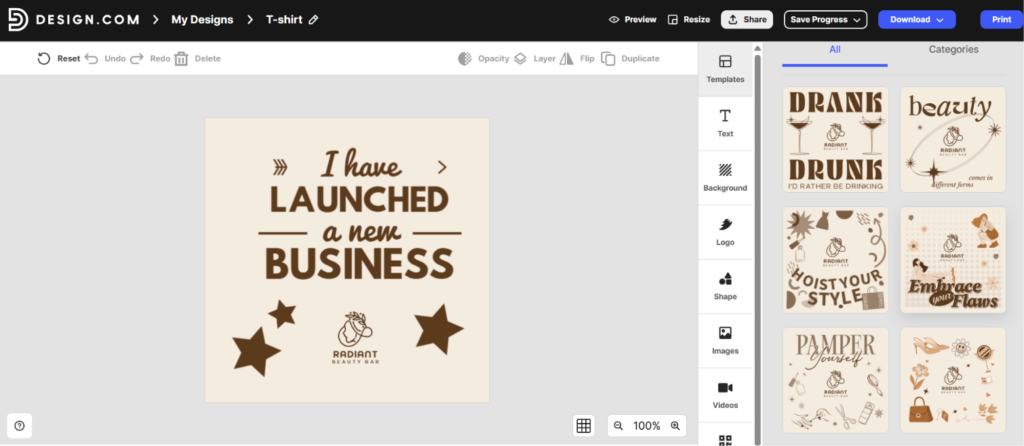
Before downloading, we were given the following options:
- a solid or transparent background,
- the full logo or text-only and icon-only options,
- and the file format options
We downloaded in JPG, which was clean and ready for commercial use.
The free download also unlocked their free website builder, free link-in-bio creator, and free digital business card maker, all publishable 100% free.
What the platform offers
- 500K+ logo templates
- 50+ branding tools
- Built-in AI tools for logos, posters, presentations, business cards, and background removal
- Exclusive, high-quality, 100% commercially safe logos
- Extensive file formats, including high-res vector, raster, and animated files
- A free tier plus flexible pricing from $3/mo
- 24/7 customer support
General Reviews
Design.com has collected over 4,300 Trustpilot reviews, and the general feedback is mostly positive. Reviewers frequently highlight the ease of use, design variety, and customer support responsiveness.
BrandCrowd.com
With BrandCrowd.com, you get a full branding platform, too, not just logos. The generated concepts are professional; you get a wide range of free logo templates with 100% commercial safety and prompt-based concept generation.
How it works
Simply add a prompt (could be 2-3 words, or a long explanatory sentence) and wait for the logos to appear instantly.
This time, we gave just a generic brand name as a prompt, and it automatically generated keywords as well, as the platform is powered by AI and understands easily, keeping you away from extra manual work:
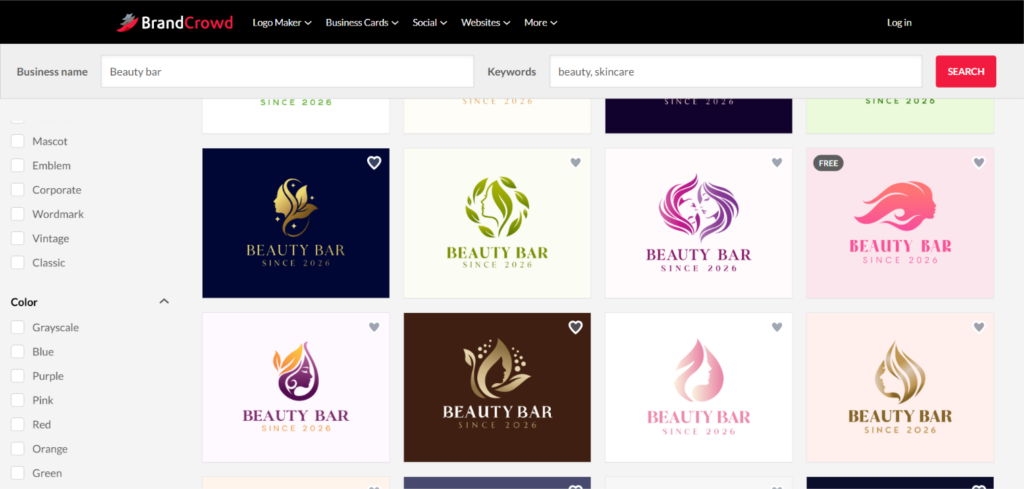
From the filters, we could choose the preferred color, style, etc., but we decided to rely on the platform, and the results were really satisfying.
For a full test, we started modifying one of the free templates to be able to download later (the pricing plans are very affordable, though). Customization was easier than expected; just a few words and quick results are there. Thus, we spent very little time modifying but at the end, got the maximum results.
Below is the comparison of the logos before and after customization.
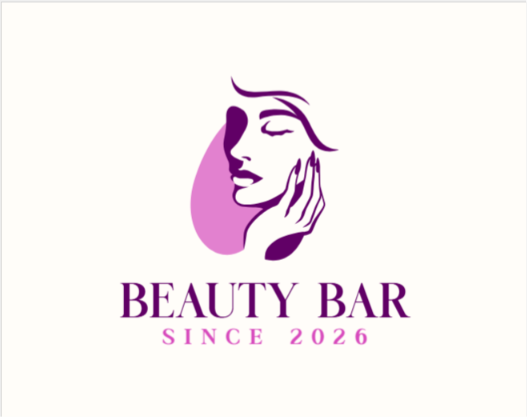
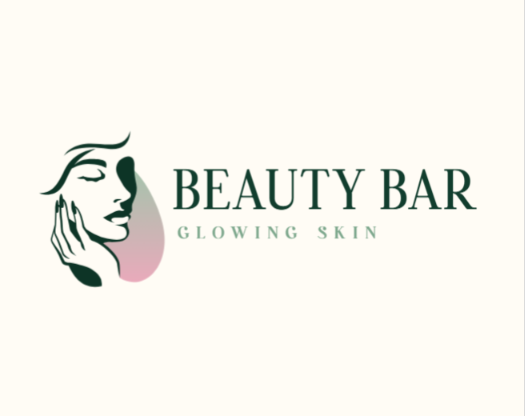
We changed the background color, the font, added a slogan, flipped the icon; all while chatting with the AI bot.
Once done, we saved and downloaded. Multiple file formats were offered, and we chose JPG.
After export, we gained access to over 50+ additional design tools for flyers, posters, and business cards. Downloading those assets requires a subscription starting at $3/mo, but the logo itself came free with no commitment.
What the platform offers
- 380K+ exclusive, professionally designed logo templates
- AI-assisted editor with color, font, and layout controls
- Matching business cards, social media graphics, and QR code tools
- Website builder
- Export in SVG, EPS, PNG, and JPG formats
- Free tier for a wide selection of templates
General Reviews
BrandCrowd holds a 4.8-star rating on Trustpilot by over 9K+ reviewers. Customers return to BrandCrowd for its credibility in the field, praising it as a cost-effective and time-saving alternative to generators that feel overcomplicated or produce generic results.
Logo.com
Logo.com is another user-friendly logo generator that produces logos with AI tools. The quality is solid, though the process takes longer than the two tools above.
How it works
To create the logo, the platform asks for a business name, not a prompt. So, having a brand name beforehand is a must, as you can’t rely on the platform for business name generation as well.
Then, we had to fill out 7-8 search bars before seeing any templates, typing answers about industry, color, and whether we were a brand owner, etc. Even though we were not in a hurry, all the detailed questions felt too much; we wanted to see the logos first thing.
Finally, the templates were there; here again we gave the prompt “Beauty Bar,” but compared to BrandCrowd, we had to explain everything to the platform:
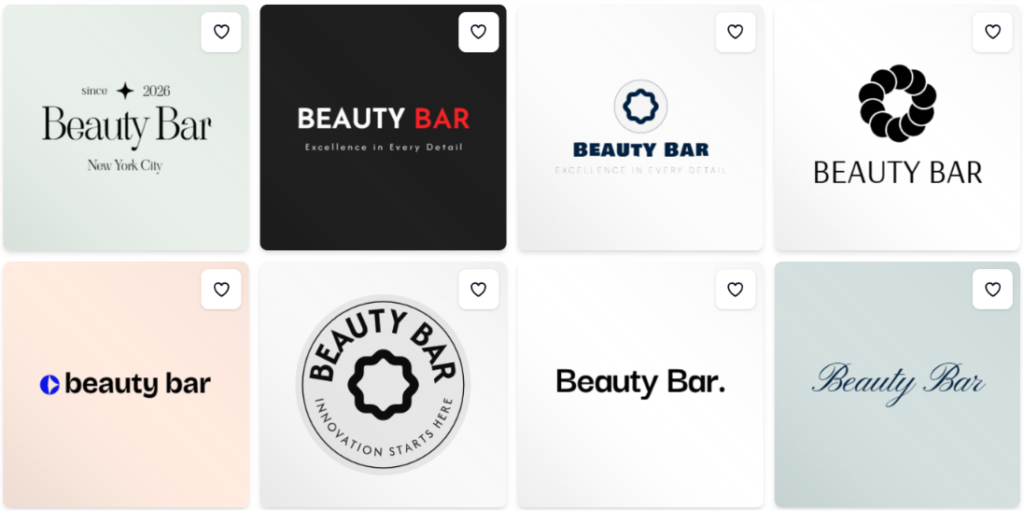
After selecting a logo, the customization was much smoother. We could pick the overall theme and fully customize icons and shapes.
At download, more questions appeared about subscriptions and whether we wanted paid plans for websites and other assets. After skipping those, we could preview the logo on branding materials and export. Only the PNG file was free; other formats required payment.
General Reviews
Based on Trustpilot reviews, the platform is praised for its ease of use, especially for those who do not have a background in design.
Logopony.com
Compared to Logo.com, generating logo concepts with Logopony.com was relatively faster.
How it works
After inserting the “Company name”, there was a mandatory briefing field to explain what we expected to get. The briefing part was limited to 12 characters, which again caused inconveniences.
Once the prompt was given, we waited under a minute to get the templates:
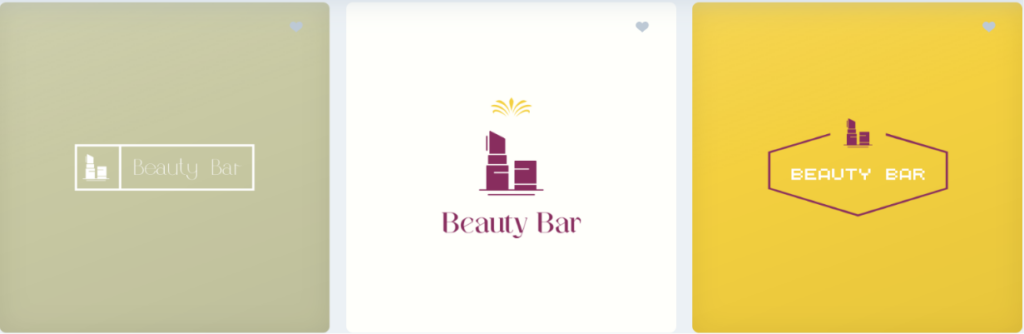
Picking a template let us preview it on shirts, walls, and social media posts. We could easily change colors, fonts, and shapes, and add symbols, and the preview updated as we edited.
To download the final result, no free tier was offered, but generally, we enjoyed the experience, though it took longer than Design.com or BrandCrowd.
What you get
- A wide selection of logo templates
- 30+ file formats on purchase
- Full branding kit: business cards, favicons, social graphics, and brand style guide
Brandmark.io
Last but not least, we will talk about Brandmark.io. With a user-friendly interface and relatively fast logo generation, it’s been included in our list.
You only have to answer 3 questions to see the generated concepts.
How it works
We began by entering the brand name, followed by keywords, color preferences, and other required details. One drawback was that none of the steps could be skipped, as every field had to be completed before moving forward.
The AI produced clean logo concepts with plenty of customization options.
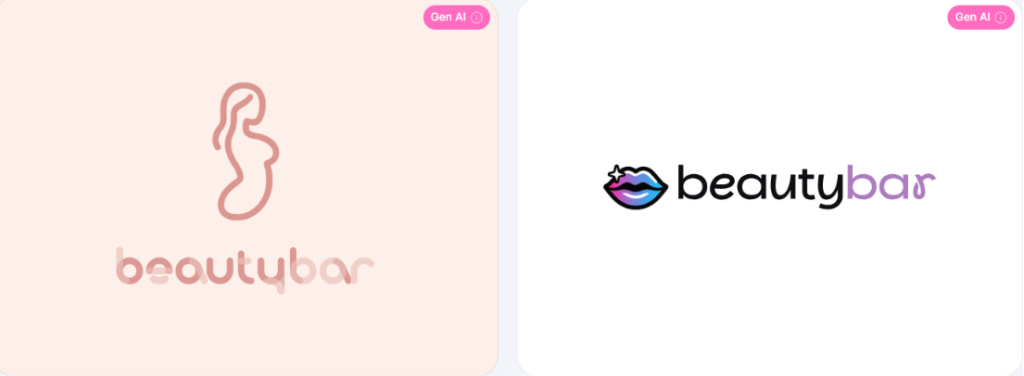
However, our testing found that most design adjustments relied on manual editing rather than AI-assisted modifications.
After picking a template, we could preview the logo on shirts, social media posts, and bags, which made it easier to visualize the printed result. Editing let us adjust fonts, colors, size, and background.
While Brandmark.io offers unlimited free edits, downloading a logo requires a one-time purchase. The basic package starts at $35 and includes PNG files.
What you get
- Business cards, social media graphics, and letterhead templates
- Export in SVG, EPS, PNG, and PDF
- Unlimited post-purchase edits
Final Thoughts
All the tools in this list can get you a logo, but the experience differs at each step. What matters most is understanding your own business needs first: whether you need a logo fast, whether your focus is on quality or both, and whether you want additional branding tools alongside it.
The right tool depends on how much time you want to spend and what you need beyond the logo itself. Start with the two at the top, and you won’t go far wrong.