
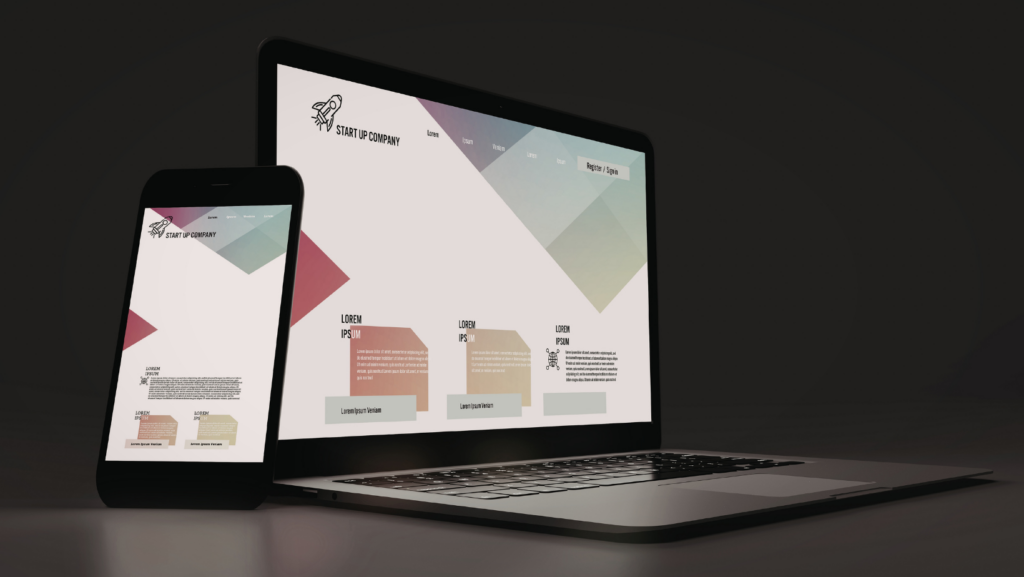
Image source: https://unsplash.com/photos/a-person-holding-a-cell-phone-next-to-a-laptop-rZVaTv6GdXI
Screens carry most of the daily load on modern devices. A good panel makes text calm to read, video look natural, and touch feel direct. Specs help, but the best choice comes from how the device gets used each day.
Know the main screen metrics
Resolution and size set how sharp a display feels at a normal viewing distance. Pixel density matters more on a phone than on a 27-inch monitor, since the phone sits closer to the eyes. Refresh rate shapes motion, with 90 Hz and 120 Hz feeling smoother in scrolling and games. Viewing angles and the screen surface matter too, since color and contrast can shift as the device tilts.
Color specs deserve a quick reality check. Wide-gamut panels can show richer tones, but calibration and content matter more than the label on the box. Brightness ratings can mislead, too, since full-screen brightness often drops once the whole panel lights up.
OLED in phones, tablets, and laptops
OLED pixels make their own light, so black areas can look truly dark, and contrast stays strong in dim rooms. For many shoppers, picking OLED Displays in a compact device means bold contrast, thin builds, and fast response times in motion. Text clarity can vary by subpixel layout, so a quick read test in a notes app can reveal the difference.
LCD designs still win in a few cases. A bright office, long static spreadsheets, or heavy outdoor use can favor panels that stay bright across the full screen. Panel choice is less about the “best tech” and more about the pattern of use.
Comfort features that matter day to day
Flicker, glare, and sharpness decide comfort after an hour, not just in a store demo. Some displays use rapid dimming methods that sensitive users notice as eye strain or headaches. Anti-reflective coatings can cut harsh reflections, but they can soften the image a bit. A matte finish can reduce glare, but it can add sparkle to solid colors.
Motion handling has its own tradeoffs. Higher refresh rates look smoother, but they can raise power draw when the content is simple. Response time helps reduce blur in fast scenes, but overshoot tuning can create halos around moving edges.
Quick checks that save time
- Small-text check on a white page at 30% brightness for 2 minutes
- Scroll test on a long article, watching for shimmer on fine lines
- Tilt check for color shift in dark gray areas
- Dark-video check for crushed shadow detail
Power, heat, and panel efficiency
Display choices affect battery life and device temperature. Bright scenes need more energy than dark scenes on self-lit panels, since more pixels are active at higher output. High refresh can add a steady load too, even in simple apps. Adaptive refresh helps when the system can drop to lower rates on static content.
A report covered by HDTVTest said Samsung Display outlined techniques aimed at improving QD-OLED energy efficiency by more than 50%. That kind of gain matters for laptops and monitors, where a bigger panel runs longer at higher brightness. Lower power draw can mean quieter cooling and steadier performance in long sessions.
HDR tuning without the headaches
HDR can look amazing, but it can turn harsh if the device pushes highlights too hard. Tone mapping controls how bright details roll off, and it shapes skin tones and clouds more than most people expect. Room lighting changes the result, so a “perfect” HDR preset in a dark room can look flat in daylight. A few trusted clips help spot blown highlights and lifted blacks fast.
OLED-Info described SmartPower HDR as a method that adjusts OLED voltage based on what is on screen. Smarter control can help keep highlights punchy without wasting energy on areas that do not need it. In real use, the best HDR experience usually comes from balanced settings, not max sliders.
Next-gen panels: microLED and beyond
Mini-LED LCD and OLED now cover most premium devices, but the next step is in motion. MicroLED aims for self-lit pixels with high brightness and long life, but manufacturing remains hard at small sizes. Cost and yield challenges slow down mass adoption. Panel bonding and repair complexity shape real ownership, not just lab specs.
MacRumors reported that Apple ended its in-house microLED Apple Watch development project, based on reporting from Bloomberg. That move hints at how tough the supply chain and scaling problems still are. Near term, expect more hybrid ideas like better local dimming, better polarizers, and smarter driving algorithms.
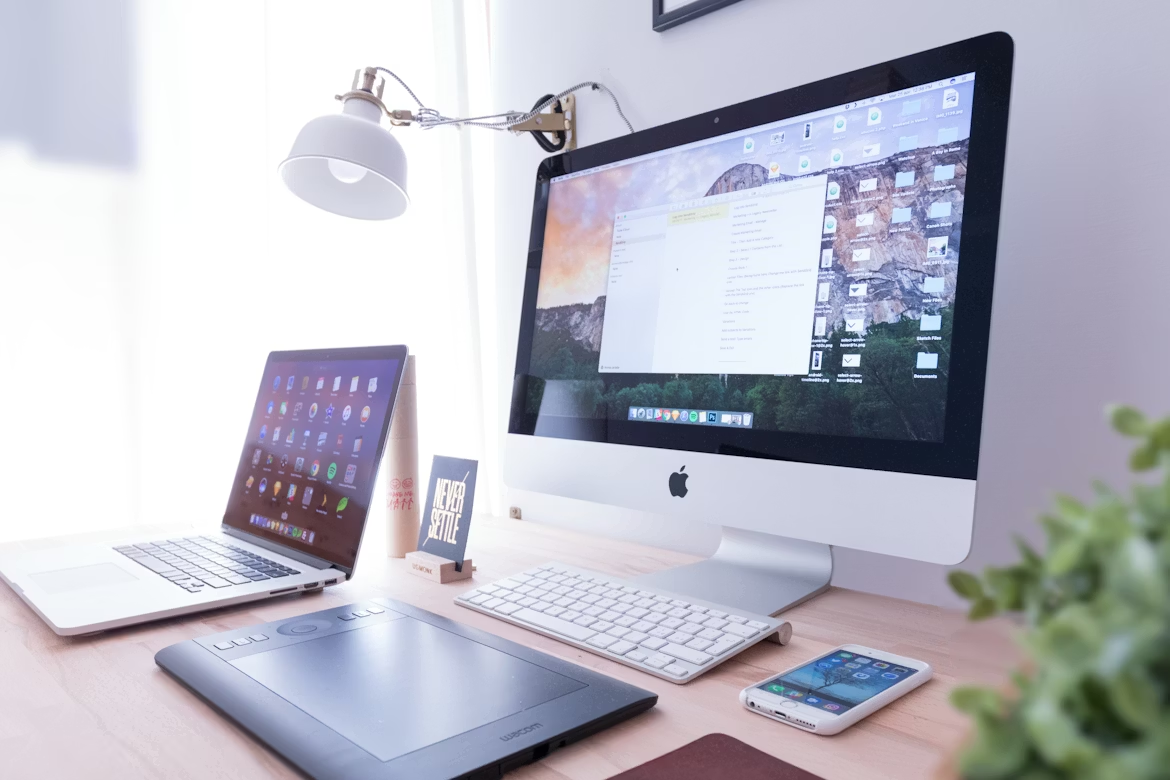
Image source: https://unsplash.com/photos/silver-imac-near-iphone-on-brown-wooden-table-EhTcC9sYXsw
Practical visual tech comes down to comfort, battery, and the kind of content on the screen each day. Specs set the floor, but tuning and real use set the ceiling. A panel that fits daily habits works best, followed by a few minutes dialing in brightness and motion.