
Creating one impressive AI character is easy now. The real challenge starts when I need that same character to appear across multiple video scenes without suddenly changing face, hairstyle, clothing, or personality.
I learned about this problem quickly when creating AI short films and branded videos. A character might look perfect in the first scene, but after a few generations, the face becomes slightly different, and the whole story feels disconnected.
Character consistency is what separates random AI clips from complete video projects. Whether I am creating a short film, a product story, or a social media series, I need the audience to believe they are watching the same person from beginning to end.
Here is the process I use to build consistent AI characters across multiple scenes.
Why AI Character Consistency Matters
When people talk about AI video quality, they usually focus on realism, resolution, or camera movement.
Those things are important, but storytelling depends on consistency.
Imagine watching a short film where the main character changes eye color every scene, wears completely different clothes without reason, or has a slightly different face after every camera cut.
Even if every individual shot looks amazing, the final video feels broken.
For creators, consistent characters make it possible to build the following:
- Multi-scene short films
- AI influencers
- Brand characters
- Product storytelling videos
- Social media series
- Virtual presenters
The goal is not just to generate a beautiful character once. The goal is creating a reusable identity that can survive different scenes, emotions, camera angles, and environments.
That requires a more structured process.
Preparing a Character System Before Generating Videos
The biggest mistake I made early was jumping directly into video generation.
I would write a prompt like
“A young woman walking through a futuristic city.”
The result looked good, but there was no character identity. When I generated the next scene, AI created a completely different person.
Now I treat character creation more like building a movie character.
Before making any video, I define the following:
- Face details
- Age range
- Hairstyle
- Clothing style
- Personality
- Color palette
- Important accessories
- Visual style
For example:
“Emma, a 28-year-old fashion designer with shoulder-length dark brown hair, soft facial features, minimalist black clothing, silver earrings, a calm personality, and a cinematic realistic style.”
This becomes the character foundation.
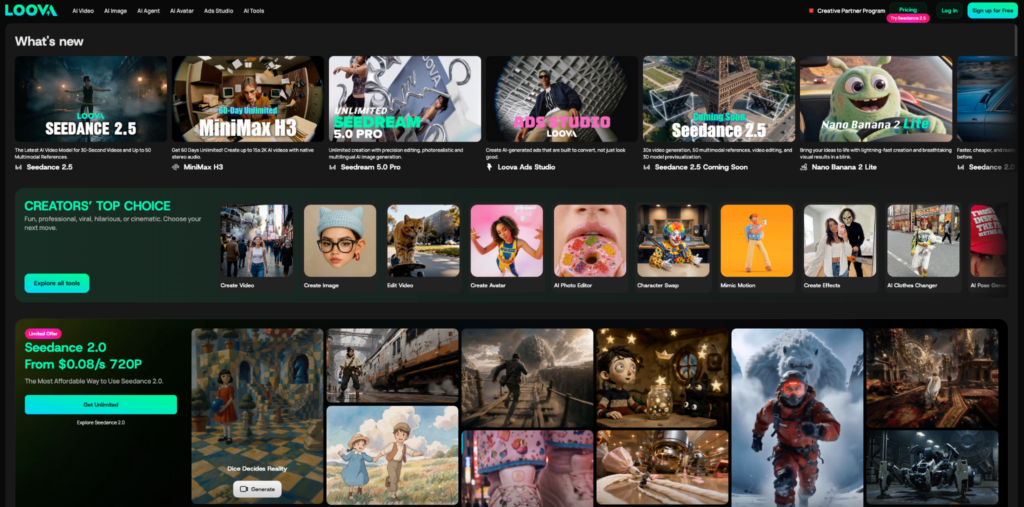
For longer projects, I also create reference images first. Platforms like Loova help because I can access different image and video models in one place, including GPT Image 2 and Nano Banana Pro, for building detailed character references before moving into video creation.
A strong character reference saves much more time later because every scene starts from the same visual identity.
Step-by-Step Process to Build a Consistent AI Character
Step 1: Create a Detailed Character Profile
Before generating images, I create a character profile document.
This sounds simple, but it changes everything.
My basic template looks like this:
Character identity:
- Name
- Age
- Background
- Personality
- Role in the story
Physical appearance:
- Face shape
- Eye color
- Hair color and style
- Body type
- Clothing
- Accessories
Visual style:
- Realistic
- Anime
- 3D animation
- Cinematic
- Commercial style
For example:
Character:
Leo, a young explorer in a sci-fi story.
Appearance:
“25 years old, short black hair, sharp facial structure, brown eyes, small scar above left eyebrow, dark green explorer jacket, and leather backpack.”
Personality:
“Curious, brave, slightly sarcastic.”
This gives AI much more information than just describing appearance.
Characters are not just faces. Small details like clothing, accessories, and personality make them easier to recognize.
Step 2: Generate a Character Reference Sheet
After writing the profile, I create reference images.
This is one of the most important steps.
Instead of generating one perfect portrait, I create a full character sheet:
- Front view
- Side view
- Different expressions
- Different poses
- Close-up portrait
- Full body image
This gives AI more information about how the character should look from different angles.
I usually start with AI Text to Image generation because it allows me to turn the character description into the first visual concept.
For example:
“Create a cinematic character sheet of Leo, a 25-year-old explorer with short black hair and a dark green jacket, with the same outfit across all views, front view, side view, and emotional expressions, and a realistic movie character design.”
After generating several options, I choose the strongest version and keep it as my main reference.
I avoid changing important identity elements after this point.
Changing hairstyle, face shape, or clothing too often makes consistency much harder.
Step 3: Refine the Character Without Losing Identity
The first version is rarely perfect.
Sometimes the face looks right, but the clothing is wrong. Sometimes the style works, but small details need adjustment.
Instead of creating a new character from scratch, I refine the existing reference.
This is where AI Image to Image becomes useful.
For example, I might adjust:
- Change jacket color
- Add accessories
- Improve facial details
- Modify lighting style
- Create different expressions
The important rule is to keep the identity locked.
A bad instruction:
“Make him cooler.”
AI does not know what should change.
A better instruction:
“Keep the exact same face, hairstyle, and character identity. Change only the jacket into a darker explorer jacket and keep the cinematic, realistic style.”
Specific instructions reduce unwanted changes.
For multi-scene projects, I usually prepare several approved images before video generation:
- Neutral expression
- Happy expression
- Serious expression
- Action pose
- Sitting pose
- Walking pose
This gives me more control when building different scenes later.
Step 4: Build Different Scenes Around the Same Character
Once the character is stable, I start creating scenes.
The key is separating character identity from scene information.
Many creators put everything into one long prompt:
“A man with black hair wearing a jacket walking in Tokyo at night with neon lights and rain.”
The problem is that AI may reinterpret the whole description every time.
Instead, I divide the prompt:
- Character: Who is this person?
- Scene: Where is the person?
- Action: What is happening?
- Camera: How is it filmed?
For example:
Character:
“Leo, same character reference, short black hair, green explorer jacket.”
Scene:
“An abandoned futuristic city at sunset.”
Action:
“Walking slowly while looking for signals.”
Camera:
“Cinematic tracking shot, shallow depth of field.”
This structure makes every new scene easier to control.
The character remains the foundation, while only the environment changes.
Step 5: Turn Character Images Into Video Scenes
After creating stable character images, I finally move into video generation.
I usually do not start directly from text prompts when character consistency is the priority. A detailed written description can help, but a visual reference gives AI much more information about identity.
This is why I often use image to video AI for character-driven projects.
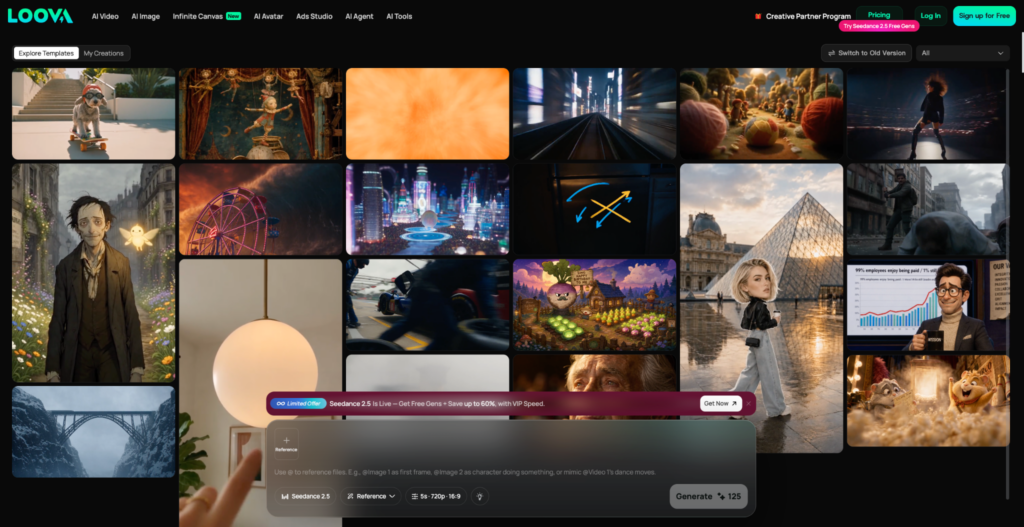
The process is simple:
- Choose the approved character image
- Add the scene description
- Describe movement and camera direction
- Generate the video
- Check identity consistency
For example, if I have a character named Emma, my prompt might look like:
“Use the same woman from the reference image. She walks through a modern art gallery, wearing the same black outfit, with a calm expression, slow cinematic camera movement, and realistic lighting.”
The most important part is telling AI what should stay the same and what should change.
Keep consistent:
- Face
- Hairstyle
- Clothing style
- Character personality
Allow changes:
- Location
- Camera movement
- Action
- Emotion
This balance is what makes a multi-scene AI video feel natural.
If every scene looks exactly the same, the story becomes boring. But if the character changes too much, the audience loses connection.
Step 6: Create Complex Character Videos With Advanced Models
For simple videos, one character reference may be enough.
But for longer projects like short films, ads, or story-based content, I usually need more advanced video generation models that understand character consistency and scene relationships.
Models like Seedance 2.0 are useful for this because they are designed for more structured video creation. Instead of only creating isolated clips, they can better handle multi-shot storytelling, character references, and controlled scene direction.
For example, imagine creating a three-scene AI commercial:
Scene 1:
A woman receives a new smart device at home.
Scene 2:
She uses the device during her daily routine.
Scene 3:
She takes it outside and continues using it.
The challenge is not generating these scenes individually. The challenge is keeping the same person, product, and visual style across all three moments.
A stronger prompt structure looks like:
“Maintain the same female character from the reference image throughout all scenes. Keep identical facial features, hairstyle, and outfit. Create a three-shot sequence showing her discovering, using, and enjoying the product.”
The more complex the video becomes, the more important the structure becomes.
Step 7: Generate Fast Scene Variations
After creating the main character system, I start testing variations.
Not every scene needs a perfect reference image first.
Sometimes I want to explore:
- Different story ideas
- New environments
- Camera styles
- Character actions
- Creative concepts
For this stage, I use AI Text to Video generation because speed matters more than perfect control.
For example:
“A cinematic scene of a futuristic detective searching through a neon city while following mysterious clues.”
This helps me discover ideas quickly.
Once I find a scene direction that works, I can rebuild it using my character references for better consistency.
I think of text-based generation as the exploration stage and reference-based generation as the production stage.
Both are useful, but they solve different problems.
Example: Creating a Consistent AI Character for a Short Film
Here is a simple example.
Imagine I want to create a short film about an astronaut exploring a lost planet.
Instead of immediately generating videos, I start with the character:
Name: Maya
Profile:
“32-year-old astronaut, short black hair, calm personality, white futuristic spacesuit with blue details, realistic sci-fi movie style.”
First, I create her reference sheet:
- Front portrait
- Full body view
- Different emotions
- Spacesuit details
Then I create different scenes:
Scene 1:
Maya lands on an unknown planet. The focus is curiosity and discovery.
Scene 2:
Maya finds an abandoned alien structure. The focus is mystery.
Scene 3:
Maya discovers a message from another civilization. The focus is emotion. The environment changes every time, but Maya stays consistent.
That is what creates the feeling of a real story instead of three unrelated AI clips.
Common Mistakes That Break AI Character Consistency
Changing Too Many Details at Once
This is probably the most common mistake.
If I change the outfit, location, lighting, and action all in one generation, AI has too many things to reinterpret.
I prefer changing one major element at a time.
For example:
First, generate the same character in a new location. Then adjust the emotion. Then adjust the camera movement. Small controlled changes usually create better results.
Writing Different Character Descriptions Every Time
Many people accidentally create different versions of the same character.
One prompt says:
“young woman with brown hair.”
The next says:
“fashionable girl with dark hair.”
Humans understand they mean the same person. AI may not.
I keep one fixed character description and reuse it across scenes. Consistency comes from repetition.
Ignoring Small Identity Details
Faces are important, but they are not the only thing viewers recognize.
Small details help maintain identity:
- Same hairstyle
- Same accessories
- Same clothing theme
- Same personality
- Same movement style
Think about famous movie characters. You often recognize them from their outfit, behavior, or silhouette before seeing their face clearly.
AI characters work the same way.
Expecting One Prompt to Create a Full Film
AI video generation is powerful, but long stories still need planning.
Instead of asking AI to create a complete film immediately, I break everything into smaller parts:
Character → Images → Scenes → Video clips → Final edit.
More control usually creates better results.
Tips for Better Multi-Scene AI Character Videos
After creating many AI character videos, these are the rules I follow:
- Create references before videos
- A strong image foundation makes every later step easier
- Keep a character library
- Save approved faces, poses, expressions, and outfits instead of regenerating every time
- Use consistent language
- Repeat important character details across prompts
- Separate character and scene instructions
- Do not mix identity details with changing environment details
- Review every clip before continuing.
Final Thoughts
Building a consistent AI character is less about luck and more about having a repeatable process.
The biggest change for me was treating AI characters like real production assets instead of one-time generations.
I create the identity first, build references, refine details, and only then move into video production.
Once the character foundation is strong, creating multiple scenes becomes much easier. The same character can appear in different places, emotions, and stories while still feeling like the same person.
AI video creation is moving from random clips toward complete storytelling. Creators who understand character consistency will have a much easier time building films, ads, and long-term content series.
FAQ
How do I keep the same AI character across multiple videos?
The best method is to create a fixed character reference before generating videos. Keep the same face, hairstyle, clothing style, and character description across different scenes.
Why does my AI character keep changing?
This usually happens because the prompt changes too much between generations or there is no strong reference image. AI needs consistent information to recreate the same identity.
Should I create images before AI videos?
For character-based projects, yes. Creating images first gives you more control over appearance before adding movement.
Can AI create a full video series with the same character?
Yes, but it requires planning. Creating reference sheets, maintaining prompt consistency, and using models with strong character control will improve results.
What details matter most for AI character consistency?
The most important details are facial structure, hairstyle, clothing, accessories, and overall personality. Keeping these stable helps viewers recognize the character across scenes.
Can I change outfits while keeping the same AI character?
Yes. However, it is better to keep the face and other identity markers unchanged when changing outfits. Changing too many elements at once increases the chance of losing consistency.